Classes
Enable the concept of "Class" in your game.
For simplicity we use the term "Class", but this can be a Profession, Path, etc.
This can be renamed, but we will refer to it as Class for the purpose of this documentation.
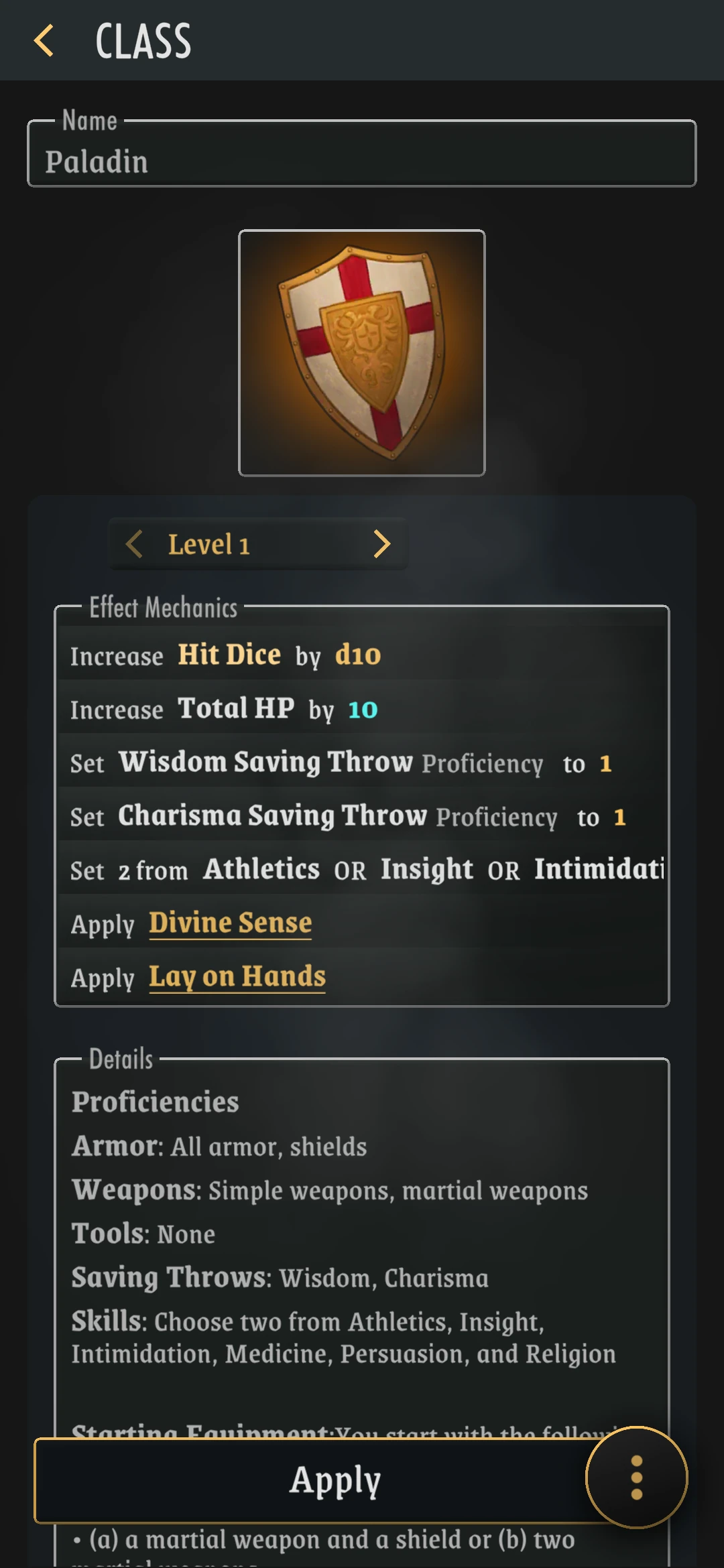
A Class is a concept that can be assigned to a Character, and it provides - Name - Icon - Mechanics Per Level - Flavour
By default, only one Class can be assigned to a character, but if you toggle the Multiclass option, multiple classes can be assigned.
If enabled, Players will be prompted to pick or create a class when creating a new character: a Class is considered mandatory. Enabling classes will also add a "Classes" entry to the Library, where users can browse and manage classes.
Mechanics:
A class can provide certain mechanical Effect + details for multiple levels (optional).
These effects are applied automatically when the character is assigned a Class.
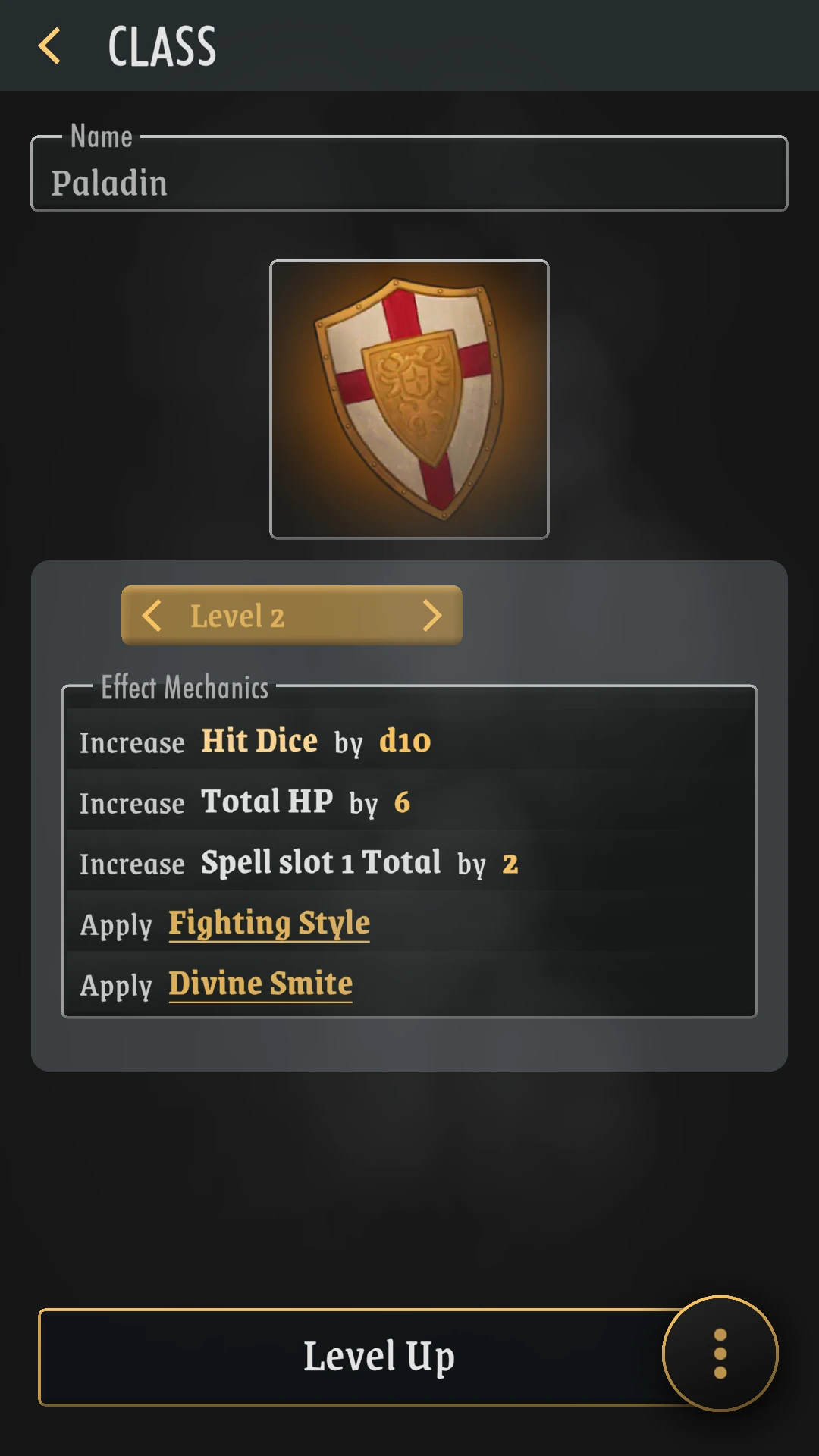
If the class has multiple levels, the Player is provided a "Level Up" button as long as his level in that class is below the maximum. This will highlight the next level mechanics, and, if pressed again, apply them, and level up in that class.
Variants (Subclass)
A User can create Variants for base classes (can not create a variant from a variant).
A Variant is a copy linked to the original, keeping its properties, but able to add to them or replace them.
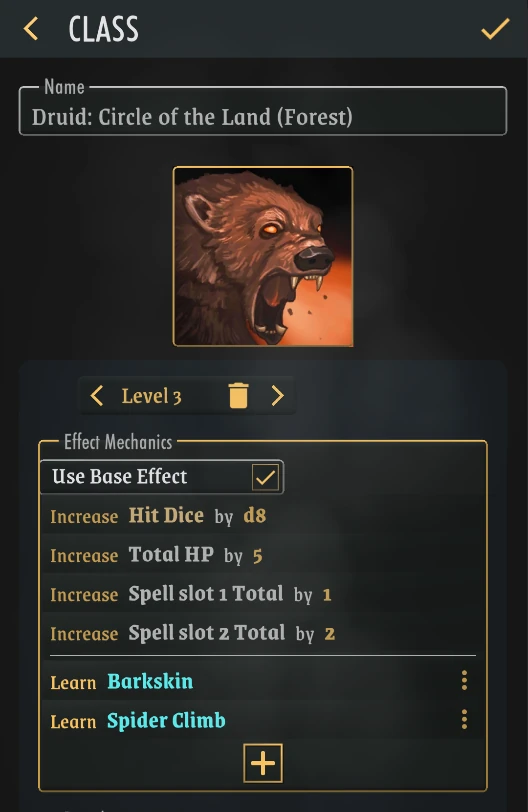
When the Player applies a Variant class, any base class it may have will be replaced. Any effects applied by the base class will then move over as if applied by the variant instead.
Note
Variants are built to work as subclasses or class specializations